



Mobile Wallet Options Tailored for You
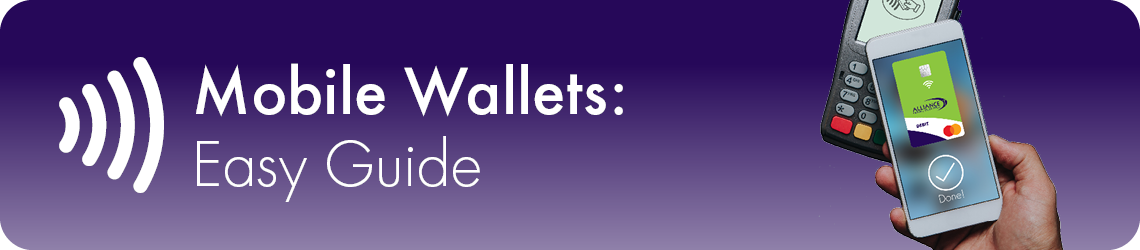
Enjoy the perks of your ACCU Debit/ATM Mastercard and ACCU Mastercard Credit Card using Apple Pay, Google Pay, and Samsung Pay. Breeze through checkout lines by holding your mobile device to the contactless payment terminal. Person-to-person payments, rewards and other benefits also available.
What is a Mobile Wallet?
A mobile wallet is an app on your phone that stores your payment cards. You can use it wherever contactless cards are accepted instead of a physical card to pay in stores, apps, or online.
Mobile Wallets supported by Alliance Catholic Credit Union:
- Apple Pay
- Google Wallet
- Samsung Wallet
Your Title Goes Here
Your content goes here. Edit or remove this text inline or in the module Content settings. You can also style every aspect of this content in the module Design settings and even apply custom CSS to this text in the module Advanced settings.
How does my card get in the wallet?
- Tap to Add: Simply tap your card on a compatible device and follow the prompts.
- Guided by App: Open the mobile wallet on your device and select the add card option for step-by-step guidance.
Is my personal information shared?
Mobile wallets keep your information protected:
- Tokenization: Your real card number is not shared
- Encryption: Your data is protected
- Authentication: You approve payments with Face ID, fingerprint, or a passcode
How do I pay with a Mobile Wallet?
In-store: Hold your phone near the reader (tap to pay)
- Unlock your phone
- Hold near terminal
- Confirm payment
Online: Choose your wallet at checkout
- Select your wallet
- Confirm payment
Benefits
- Easy: No cards or cash needed
- Secure: Strong protection
- Fast: Tap-and-go
- Widely accepted
FAQs
Your Title Goes Here
Your content goes here. Edit or remove this text inline or in the module Content settings. You can also style every aspect of this content in the module Design settings and even apply custom CSS to this text in the module Advanced settings.
Is it safe?
- Yes. You must approve every payment.
What if I lose my phone?
Lock or erase it remotely. Your card number isn’t stored on the phone.
Where can I use it?
Anywhere you see the contactless symbol or online wallet option.
Can I add multiple cards?
Yes, both credit and debit cards are supported. You can switch between cards.
Are there fees?
No fees for standard use.
Do all phones work?
Most newer smartphones with NFC (Near Field Communication) support it.
Tips
- Keep your phone updated
- Use Face ID / fingerprint / passcode
- Add a backup card
Summary
Mobile wallets are a simple, fast, and secure way to pay using your phone.